

Microsoft 365 Business has become the productivity backbone for millions of businesses worldwide — and for good reason. More than just Word, Excel, and Outlook, Microsoft 365 is a comprehensive cloud platform that includes collaboration tools, enterprise-grade security, cloud storage, and automation capabilities. But with multiple plans available and a dizzying array of apps, it can be hard to know if it’s right for your Perth business.
In this guide, we break down exactly what Microsoft 365 includes, compare the main plans, explain the security benefits, and show you how a local MSP can maximise your investment.
What is Microsoft 365?
Microsoft 365 (formerly Office 365) is a subscription-based cloud platform from Microsoft that includes the familiar Office apps — Word, Excel, PowerPoint, Outlook — plus a growing suite of cloud services. According to Microsoft’s official documentation, the platform serves over 400 million paid seats globally, making it the most widely adopted business productivity platform in the world.
What’s Included in Microsoft 365 for Business?
Depending on your plan, Microsoft 365 for Business includes:
- Word, Excel, PowerPoint, Outlook, OneNote, Access (PC only) – Microsoft Office apps
- Chat, video conferencing, file sharing, and app integrations – Microsoft Teams
- Enterprise email hosting with 50GB+ mailboxes – Exchange Online
- Intranet, document management, and team collaboration sites – SharePoint Online
- 1TB+ cloud storage per user – OneDrive for Business
- Built-in threat protection for email and endpoints – Microsoft Defender
- Mobile device management for company and BYOD devices (Business Premium) – Intune
- Identity and access management – Azure Active Directory
Microsoft 365 Business Plans: Which is Right for You?
There are four main Microsoft 365 Business plans relevant to Perth SMBs:
| Feature | Basic | Standard | Premium | Apps Only |
| Office Apps | No | Yes | Yes | Yes |
| Teams | Yes | Yes | Yes | No |
| Exchange Email | Yes | Yes | Yes | No |
| Adv. Security | No | No | Yes | No |
| Device Mgmt | No | No | Yes | No |
For most Perth SMBs, we recommend Microsoft 365 Business Standard as the best value starting point — it includes the desktop Office apps, Teams, Exchange email, and SharePoint. Businesses with stronger security needs or a hybrid workforce should consider Business Premium.
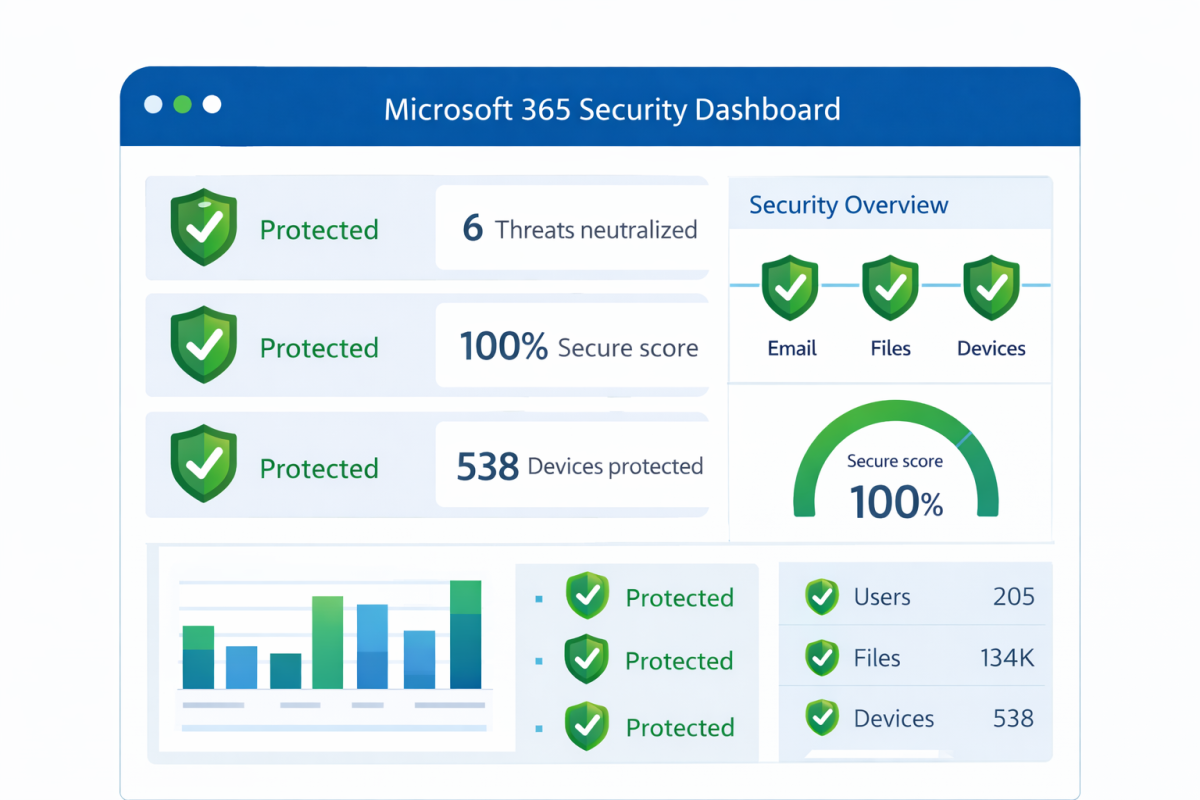
The Security Benefits of Microsoft 365
One of the most underappreciated aspects of Microsoft 365 is its built-in security capability. Even the base Business Basic plan includes:
- Defender for Office 365 — blocks malicious attachments and links in email
- Multi-Factor Authentication (MFA) — protects accounts even if passwords are compromised
- Data Loss Prevention (DLP) — prevents sensitive data from leaving your organisation
- Compliance and eDiscovery tools — supports legal hold and data retention
Microsoft 365 Business Premium adds Microsoft Intune for device management and Microsoft Defender for Business, which provides enterprise-grade endpoint protection. For local businesses handling sensitive client data, Business Premium is a significant security upgrade.
Common Mistakes Businesses Make with Microsoft 365
- Not enabling MFA — the single biggest security mistake
- Leaving SharePoint and Teams permissions too open — everyone can access everything
- Not setting up email signature management — inconsistent branding across the team
- Ignoring the compliance and retention policy tools — creates legal risk
- Not defining how Teams, SharePoint, and OneDrive should be used across the business
- Failing to properly train staff on new tools after migration
How a MSP Maximises Your Microsoft 365 Investment
Microsoft 365 is powerful, but out-of-the-box it’s far from optimised. At Royal IT, we help businesses get the most from their Microsoft 365 subscription by:
- Configuring security baselines and enabling MFA across all accounts
- Building custom SharePoint intranets and document libraries
- Migrating from legacy email systems with zero data loss
- Training staff on Teams, OneDrive, and modern collaboration workflows
- Setting up automated workflows with Power Automate
- Providing ongoing management, user provisioning, and licence optimisation
We’re a Microsoft Solutions Partner, meaning our team is certified and qualified to deploy and manage Microsoft 365 environments at any scale. Contact us to discuss your Microsoft 365 setup or learn about our Microsoft 365 migration service
Read next: Cloud Migration | Managed IT Services
| 💼 Upgrade your team’s productivity. Get expert Microsoft 365 setup and support from Royal IT. |